
B.1 Onboarding
1. Registration Page (Sign Up Parent)
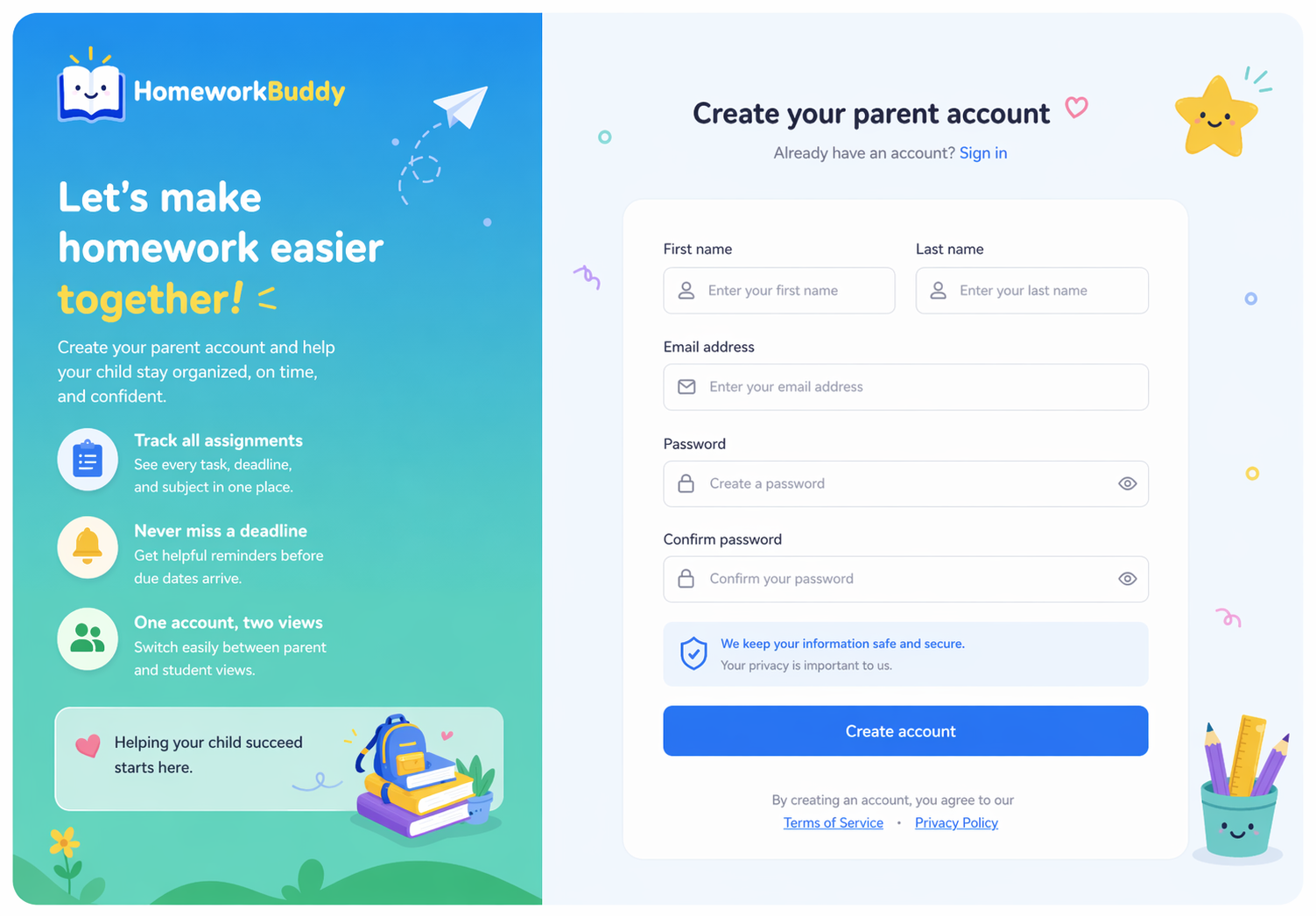
This page is used by users to create a new parent account before accessing the system.
The page contains a form with input fields for first name, last name, email, password, and password confirmation. After successful registration, users will be directed to the onboarding process. See Figure 2.
2. Email Confirmation Page (Account Verification)
This page is used to confirm and verify the user’s email address after completing the registration process.
After submitting the registration form, the system sends a confirmation email containing a verification link to the user’s registered email address. The user must click the link to activateconfirm their account. Upon successful verification, the user will be redirected to the onboarding process or logincomplete your setup page.
The page may also include information indicating that a confirmation email has been sent, along with an option to resend the email if it has not been received. See Figure 2.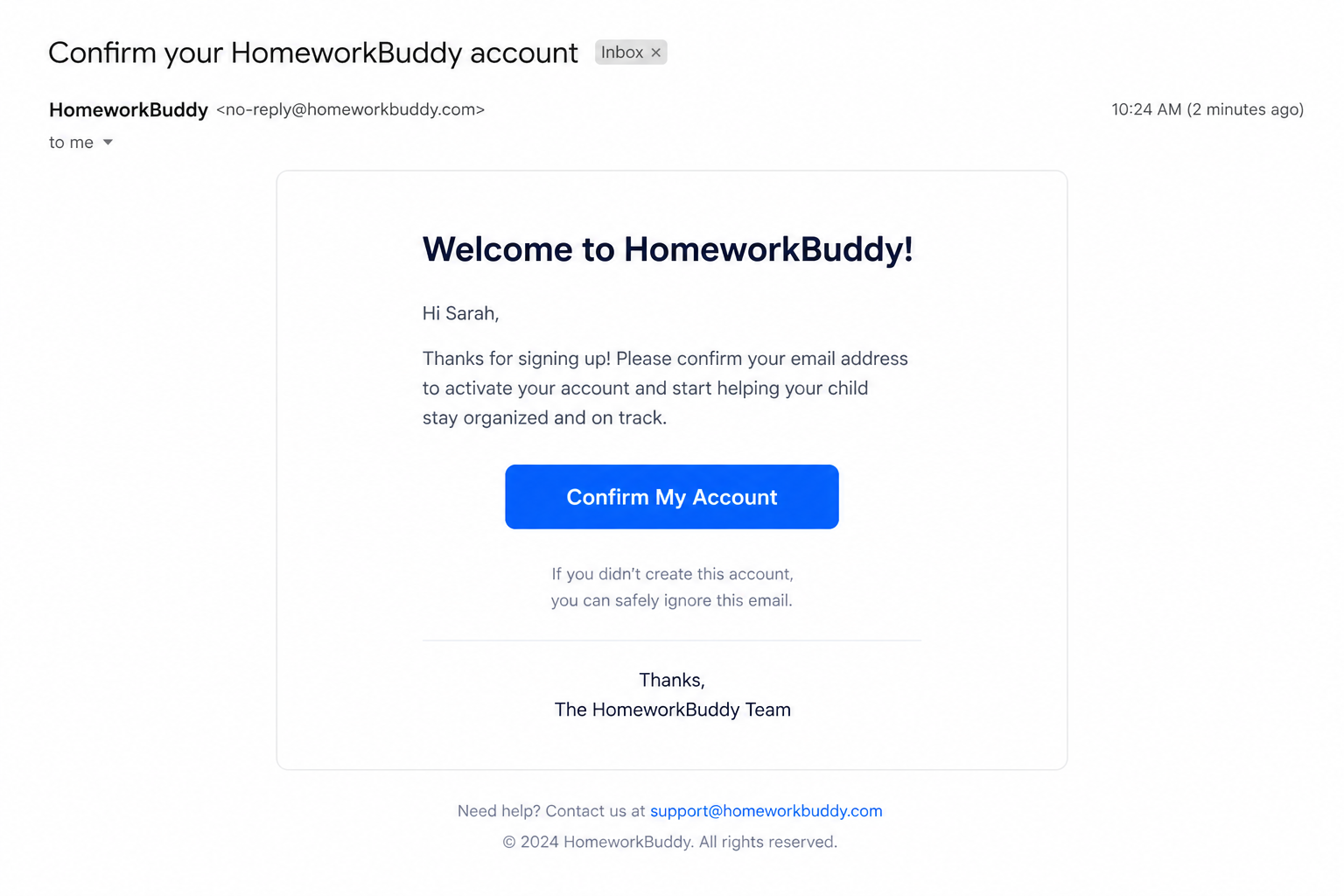
3. Complete Your Setup Page
This page is used to